Patient Guides / Language and Support
How to Use Taobao in China: A Step-by-Step Guide for Foreign Visitors
Summary: If you are visiting China and want to buy daily essentials, gifts, or travel supplies online, Taobao can feel overwhelming at first. The app is built mainly for Chinese users, but once you understand a few core functions, it becomes one of the most useful tools for everyday shopping.
Author: China Medical Info Published or updated: April 2026 Read time: 7 min read
Editorial And Source Review
Editorial review: China Medical Info Editorial Team. Last content check: July 3, 2026. Educational scope, clarity, verification pathways, and safety disclaimers. Not clinical review, diagnosis, treatment guidance, legal advice, visa advice, or insurance advice.
Official Source Paths
Use these official sources to verify current rules, policies, services, or payment requirements before acting on this educational guide.
- National Health Commission - Official English-language health service and public health information.
- National Immigration Administration - Official entry, stay, and immigration-service information for visitors and foreign residents.
- State Council services and policy resources - Official English-language public-service resources for living, visiting, and emergency preparation in China.
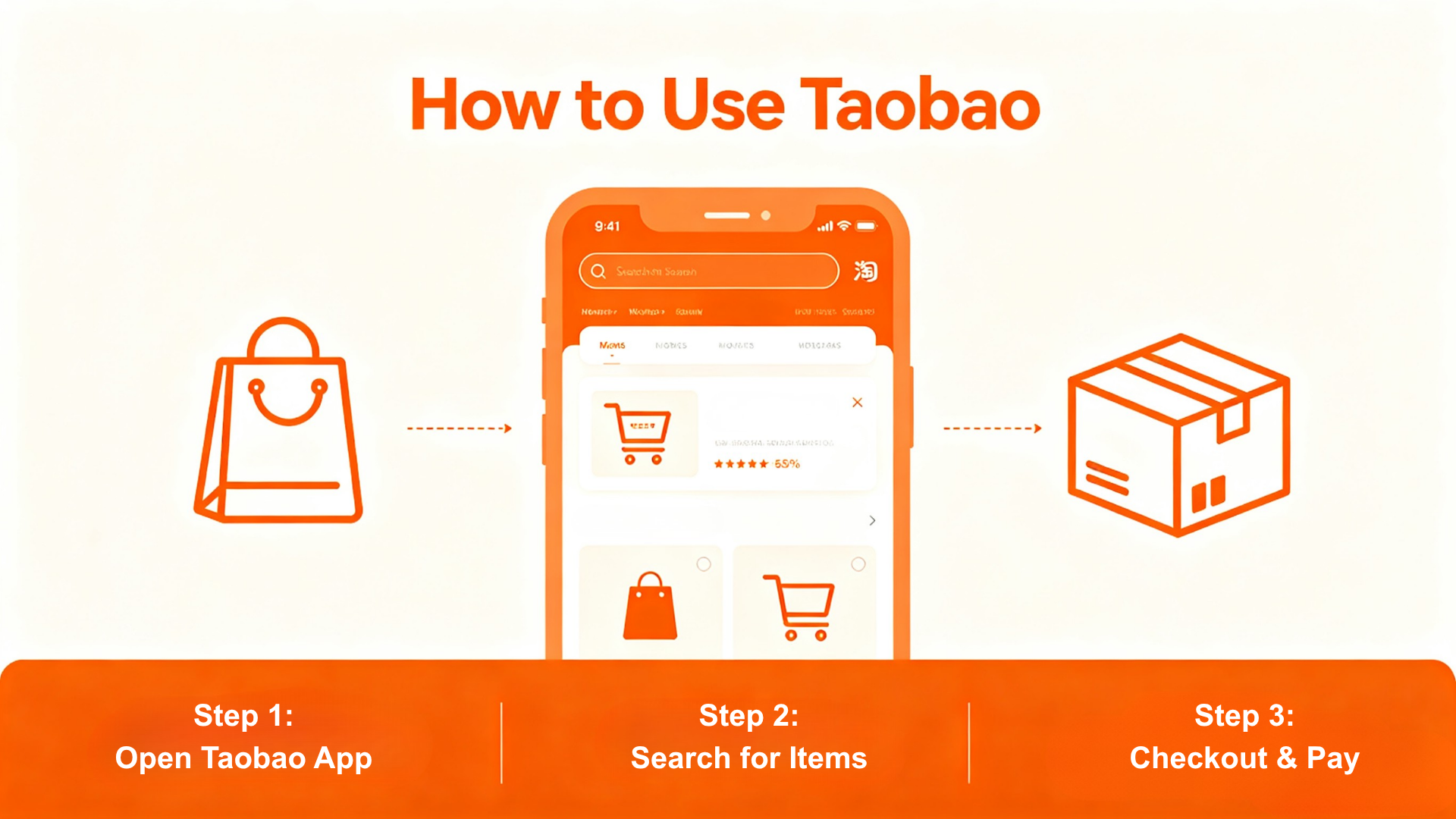
Taobao is one of the most useful consumer apps in China because it covers everyday purchases, from household goods to small travel items. For foreign visitors, the biggest challenge is not whether the app works, but how to get comfortable with the interface, the search process, and the checkout flow.
Step 1 & 2: Download, Set Up, and Add Your Information
Step 1 — Download and Set Up the App Start by getting the app onto your phone and preparing the account basics. For most first-time users, the easiest approach is to complete setup before you start searching for products. - Search for 'Taobao' in the Apple App Store or Google Play and download the official app - Open the app and register with a phone number, then verify the account if requested Step 2 — Add Your Information and Shipping Address Before you place any order, set up your profile and delivery details carefully. A complete and accurate address saves more time than any search trick. - Add your name and contact details — use the name and phone number that will actually receive the package - Set the shipping address — enter your hotel, apartment, or local delivery address exactly as required, and save it as the default - Set the payment information — if using an international debit/credit card, select the international currency before proceeding to checkout For travelers, this step is especially important because a small address mistake can easily delay or cancel the order.
Step 3: Search, Compare, and Check Out
Once your profile is ready, the real shopping starts. The simplest approach is to search in the most visual way first, then narrow down your options before you pay. - Use image search first — tap the camera icon in the search bar and upload a product photo or take one on the spot - Search with translated keywords — if you know the product name in English, translate it first and search the Chinese version - Compare listings carefully — look at price, sales volume, reviews, seller rating, and shipping details before choosing - Confirm payment and place the order — review the final details one more time before paying, then keep the tracking page open after the seller ships the item If you are staying in a hotel or short-term rental, make sure the delivery phone number and address are correct before checkout.
Frequently Asked Questions
Q: Can foreigners register on Taobao without a Chinese ID? In many cases, yes — but the exact verification method can depend on the account setup and app version. Q: Do I need to understand Chinese to shop? No, but translation tools and image search make the process much easier. Q: What is the biggest mistake for short-term visitors? Entering the wrong address or phone number before checkout.
Summary
Taobao may look difficult at first, but the basic workflow is simple once you break it down into setup, address entry, search, checkout, and tracking. For foreign visitors in China, mastering these few functions can make online shopping faster, cheaper, and much more convenient during a trip.
This article is for informational purposes only and does not constitute medical, legal, emergency, translation-certification, or safety advice. Verify emergency procedures, translation requirements, app availability, and hospital support options with relevant official sources and qualified professionals.